Welcome back
One tap and you're in. No password, no codes — ever.
No password. No spam, ever.
Your pick is saved through sign-in — you won't lose it.
No face sign-in on this phone yet
Set it up once — after that, one glance signs you in.
New to Previously? This creates your account with face sign-in as the way in — no password, no codes.
You already have a Previously account. Sign in once with your email link, and Face ID setup will be waiting for you — you'll only need the link this one time.
Recover your account
This is account recovery — for when there's no passkey on this device yet. We'll email a one-time recovery link; tap it and you'll come back here to finish setting up Face ID on this device.
Signing you in…
Bringing you back with your save.
You're signed in
How it works
Sign in, without the password.
One tap and you're in. No password, no codes — ever. That's not a slogan on the sign-in card; it's the entire architecture of how Previously handles identity. Your way in is your passkey, and it skips the part of the internet everyone hates: inventing a password, forgetting it, reusing it somewhere else, and watching it leak in somebody's breach.
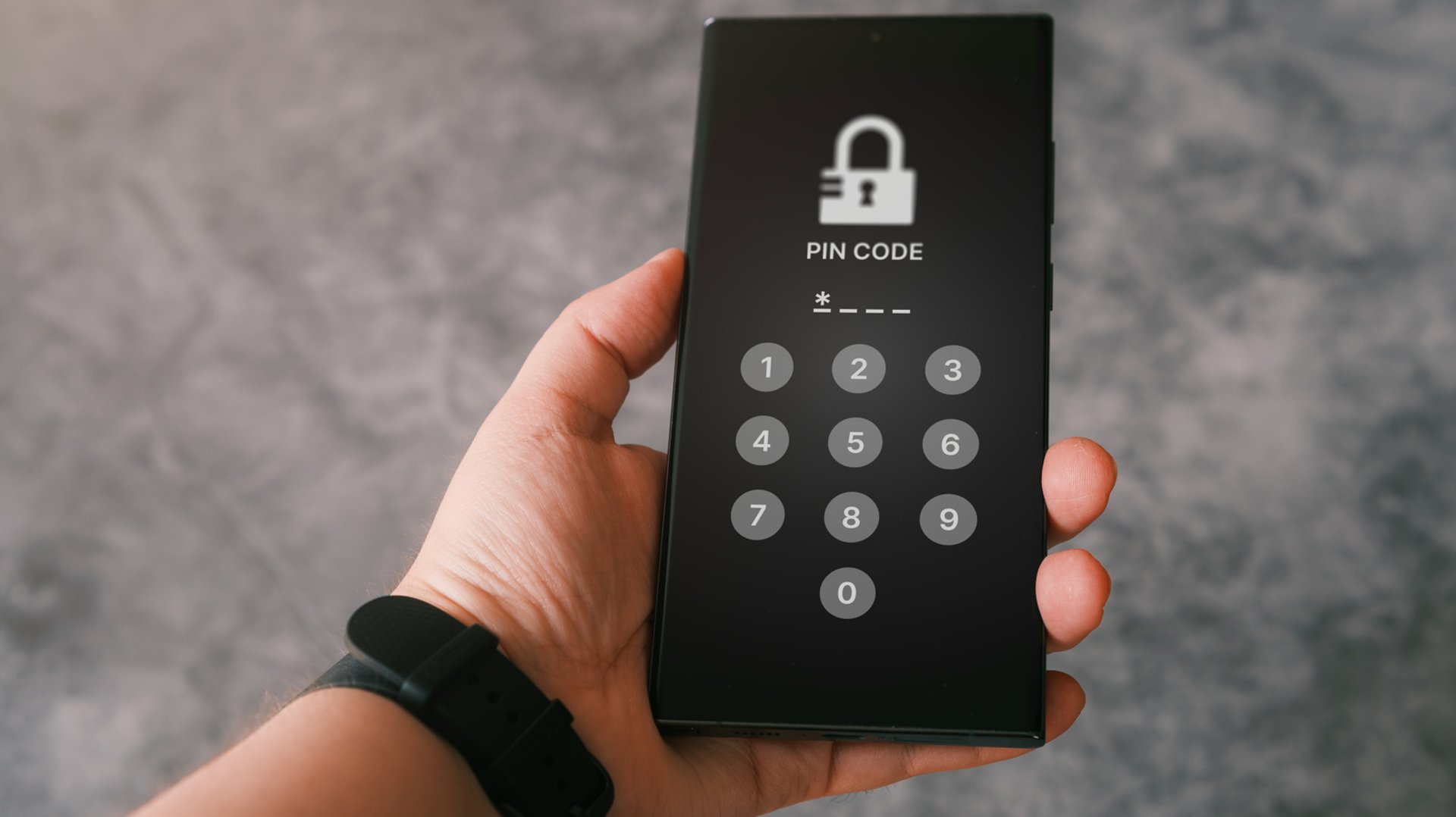
The way in: your passkey
- Face ID / passkey. The fastest route: one glance and you're signed in. A passkey is a cryptographic key pair — the private half lives encrypted on your device and never leaves it. We never see it, never store it, never transmit it. Set it up once per device and signing in becomes literally looking at your phone.
- New to Previously? The setup takes seconds: your name, your email, one glance — your device creates your passkey and your account with it. That passkey is your way in from then on. No password to invent, no code to type.
- Google. Continue with your Google account when that's the quickest path. Same account, same library, same everything on the other side.
Why no passwords?
Passwords are the weakest link in online security, and it's not close. They get reused across dozens of sites, phished by lookalike login pages, and dumped in breaches by the millions. Previously's answer is to not have the problem at all: there is no password field to phish, no password database to breach, nothing for you to forget at 1 AM when the game is about to start. Your email is the anchor of the account — it's how we know it's you — and the proof is your device's biometrics, which never leaves your device. No spam, ever: the only sign-in email we send is a one-time recovery link when you're locked out of your passkey — everything else is just the updates you ask for.
Your save survives sign-in
Starred a movie, followed a show, or saved a pick before you had an account? It comes with you. Your pick is saved through sign-in — the moment you authenticate, everything you saved as a guest attaches to your account automatically. Nothing to redo, nothing lost in the handoff.
If something goes wrong
- "No face sign-in on this phone yet." That's the setup screen — it means this device doesn't have your passkey yet. Set it up once and it's attached to your account. Heads-up: if you already have a Previously account, the setup spots it and walks you through a one-time account recovery first, so the new passkey links to your existing account instead of creating a second one.
- New phone? Face sign-in is set up per device. Run the setup on the new phone — with the one-time recovery if you already have an account — and you're back to one-glance sign-ins.
- Locked out completely? Use "Recover your account" on the sign-in page — we'll email a one-time recovery link to the address on your account. Still stuck? Email support@watchpreviously.com — a human reads every message.
Sign-in FAQ
- Do I need an account to browse Previously?
- No. Movies, shows, sports, news, games, podcasts — all of it is browsable without signing in. An account is what unlocks your library, watch history, follows, lists, alerts, and picks that follow you across devices.
- Is it really free? What's the catch?
- It's free, and there's no catch hiding in the fine print. The account, the library, the alerts — all free.
- Can I stay signed in on multiple devices?
- Yes. Your phone, your laptop, your tablet — sign in on each and your library follows you everywhere. Signing out on one device doesn't sign you out anywhere else, and it never touches your library.
- What if I lose access to my email?
- Your email is your sign-in, so losing it matters. If you still have a signed-in device, you can keep using your account — then contact support from that device so we can verify you and sort out the move.
- Will Previously ever ask me for a password?
- Never. There is no Previously password, so anyone asking for one isn't us. The only things we ever ask for are your name and email address (to set up your account) or a tap on your device's own biometrics.
- How do I add face sign-in to a second device?
- Open sign-in on that device and choose the face sign-in setup. If you already have an account, a one-time account recovery comes first, so the new passkey attaches to your existing account — you won't end up with two accounts.